Copy a Threads link
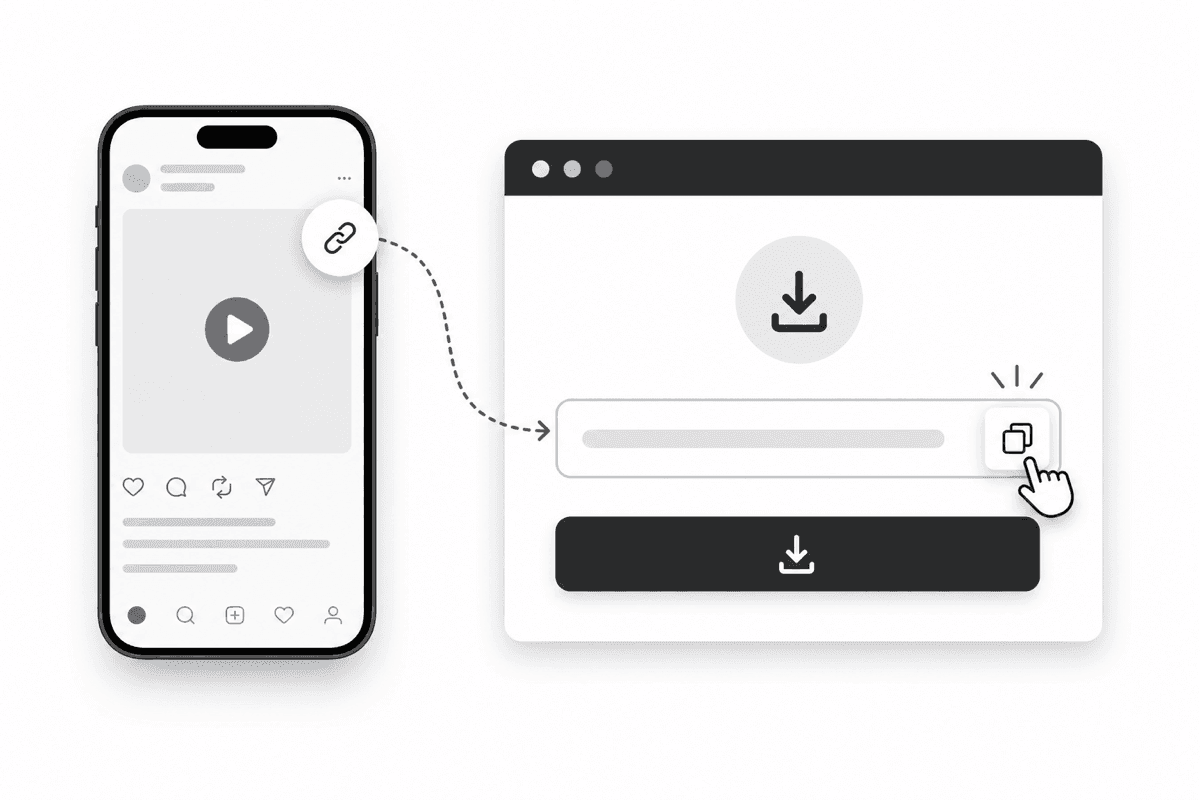
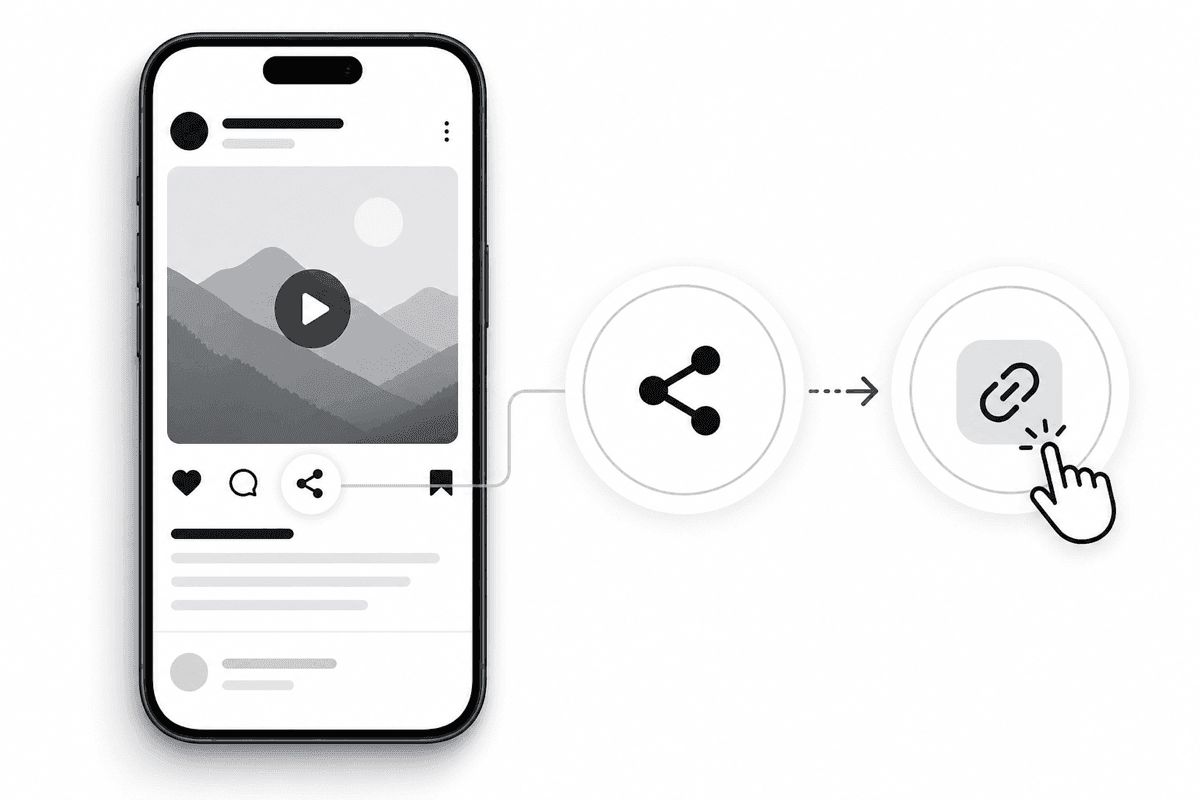
Open the public Threads post and copy its share link.
공개 Threads 게시물 링크만 붙여 넣으면 브라우저에서 동영상, 사진, GIF를 저장할 수 있습니다.
Open the public Threads post and copy its share link.
Paste the link above and select Download to find available media.
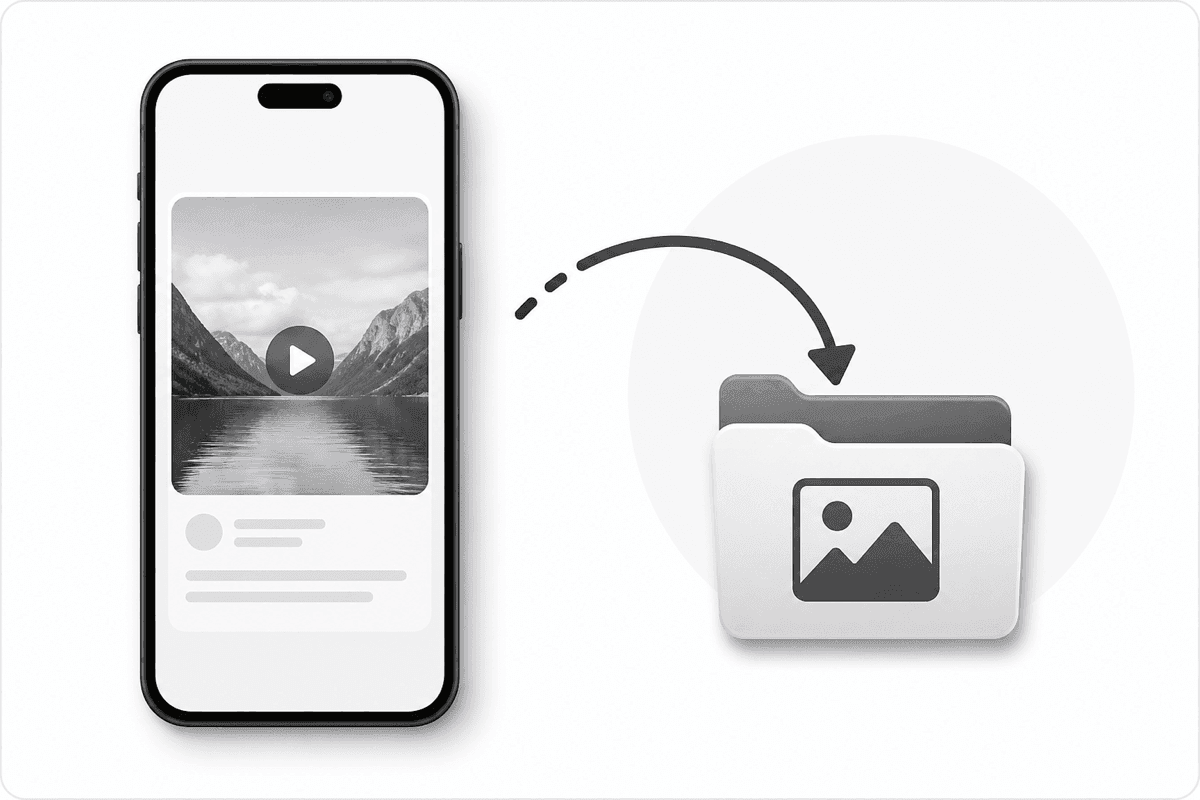
Preview the media, then open the best format and save it to your device.
One input, one action, and a focused result card keep the workflow easy to understand.
The layout is designed for touch screens, including iPhone and Android browsers.
We process public Threads URLs and do not ask for your Threads password.
It is a browser tool that extracts available media from a public Threads post so you can preview or save it.
No. The website works in current mobile and desktop browsers.
The post may be private, deleted, restricted, or temporarily unavailable. Try copying the public post URL again.
No. Only public links are supported, and you should only save content you have permission to use.